
Get This Free AI Photo Editing Coach GPT
Want fast, personalized editing guidance for your photos—without digging through hours of tutorials? My Photo Editing Coach GPT gives you clear step-by-step edits for Lightroom / Adobe Camera Raw and Photoshop , plus a quick critique and export settings tailored to your goal.
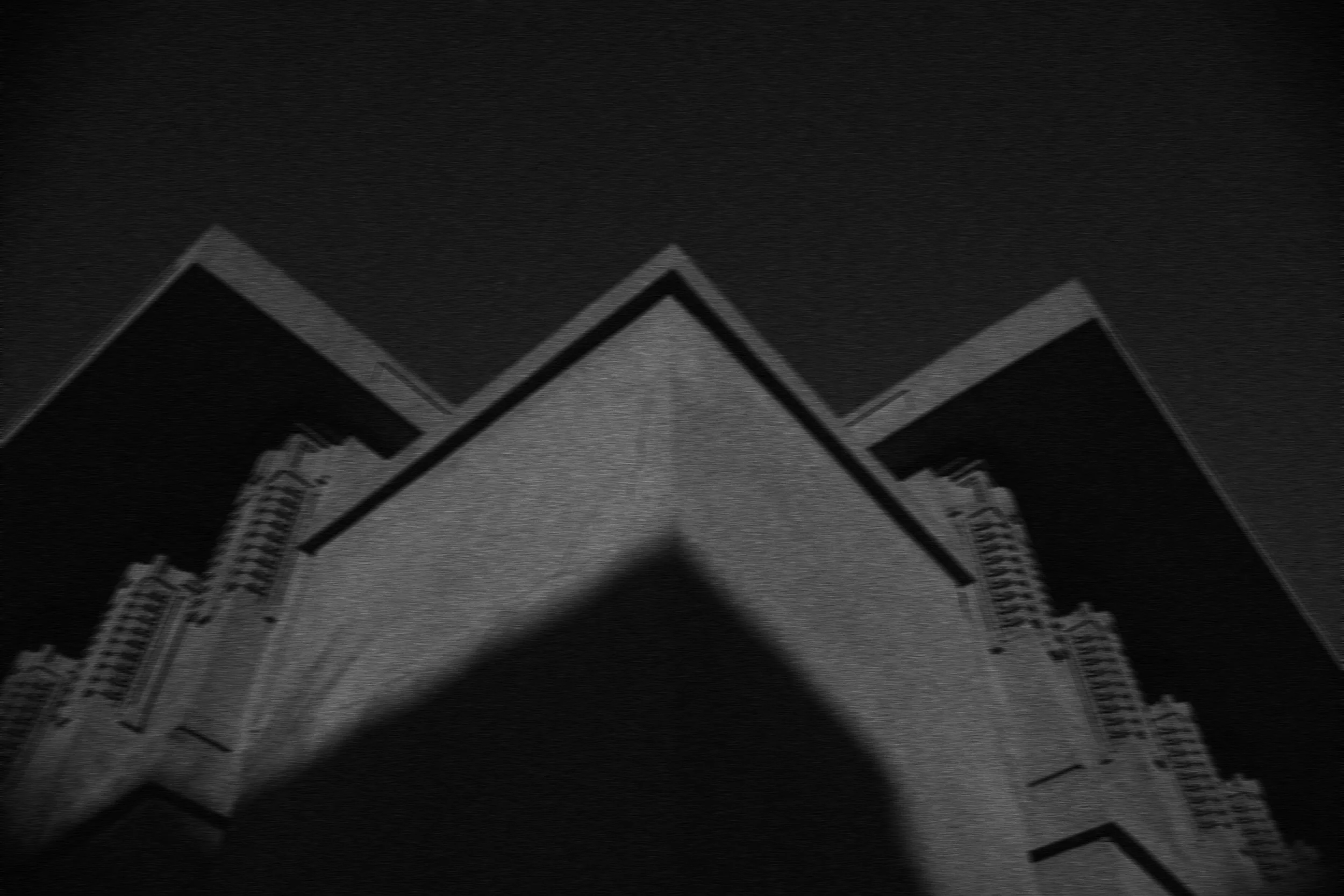
Before Score: 68

After applying Lightroom and Photoshop coaching: Score 92
It's simple! Once you upload your image, the Photo Editing Coach GPT will tell you how to improve your image using Lightroom, ACR, and/or Photoshop
Cost: It’s free to use for a limited time- | Time: 2–5 minutes per image | Best for: All skill levels
Use it to help you improve your black and white or color images.
It's a great learning tool too. As you use it, you will learn how to get the most out of Lightroom and Photoshop.
👉 Launch Photo Editing Coach (Free)
Quick Start (2 Minutes)
- Open the Coach — Click the button above.
- Upload your photo — RAW or JPEG in black and white or color (RAW gives the most precise guidance).
- Get your custom plan — critique + Lightroom/ACR recipe + optional Photoshop polish + export settings.
- Apply → Compare → Iterate — Ask follow-ups like “more cinematic,” “rich B&W,” or “prep for 16×20 print.”
- An aesthetic score from 0 to 100
- Quick critique (what works + what to fix)
- Do-this-next Lightroom/ACR steps (ordered + ranges)
- Optional PS finish (layers/adjustments & why)
- Export recipe (size, color space, sharpening)
- Specify destination (web vs print) and style up front.
- Say “Lightroom only” for an all-slider plan.
- Mention problem areas (cast, noise, haze) for targeted fixes.
- Ask for mask-based steps (sky/subject/radial).
- Request checkpoints: “Stop after global tone so I can review.”
It's that simple!
What You’ll Get
Add your own prompts (optional)
FAQ
Is it really free?
Yes—free to use for a limited time. You’ll open it in ChatGPT. Any subscription prompts are from the platform, not from me.
Do I need Photoshop?
No. “Lightroom only” or “ACR only” gets you a complete slider workflow.
RAW vs JPEG?
Both work in black and white or color. RAW provides more latitude.
Silver Efex-style B&W?
Ask for rich, contrasty B&W with dodge & burn.
Contest help?
Ask for a contest score + top 3 improvements.
👉 Launch Photo Editing Coach (Free)
Share this link with your friends!
<! data-preserve-html-node="true"-- Optional SEO hints (don’t display on page if your theme handles this elsewhere) --> <! data-preserve-html-node="true"-- Title: Photo Editing Coach GPT (Free): Step-by-Step Lightroom & Photoshop Edits Meta Description: Try my free Photo Editing Coach GPT for instant, personalized editing plans in Lightroom/ACR and Photoshop—plus critiques, export settings, and contest-ready tweaks. Slug: /photo-editing-coach-gpt -->
